New — v1.0 just dropped

3 phones?
That's so 2024.

Manage all your WhatsApp accounts from one beautiful desktop app. Smart Outreach, AI-powered replies, scheduled messages, total privacy. Done.

macOS shows a warning on first open?

How to install SupaMsg on Mac

  1. 1
    Download the .dmg file and double-click to open it
  2. 2
    Drag SupaMsg to the Applications folder
  3. 3
    Open Applications in Finder, find SupaMsg, then right-click (or Control+click) and select "Open"
  4. 4
    macOS will show a dialog — click "Open" to confirm. You only need to do this once!
Why this extra step? SupaMsg is distributed directly (not through the Mac App Store), so macOS asks for your permission the first time. This is standard for apps like VS Code, Discord, and Obsidian. Your data stays 100% private and local.
Works on
macOS!
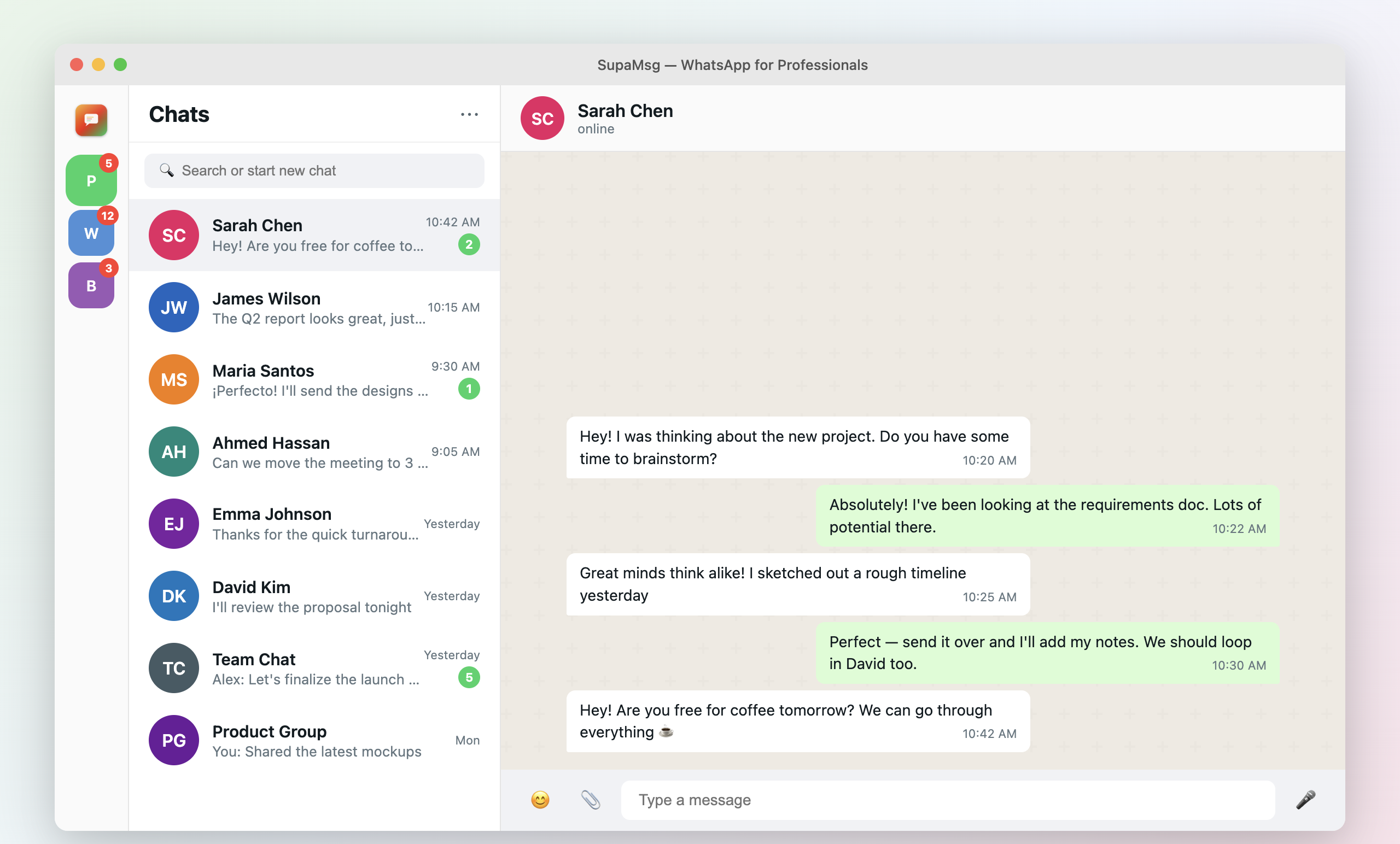
SupaMsg desktop app screenshot
49 Features Smart Outreach AI Powered Privacy First 50+ Countries 25 Languages 49 Features Smart Outreach AI Powered Privacy First 50+ Countries 25 Languages 49 Features Smart Outreach AI Powered Privacy First 50+ Countries 25 Languages 49 Features Smart Outreach AI Powered Privacy First 50+ Countries 25 Languages

Everything you need.
Nothing you don't.

00 / Smart Outreach

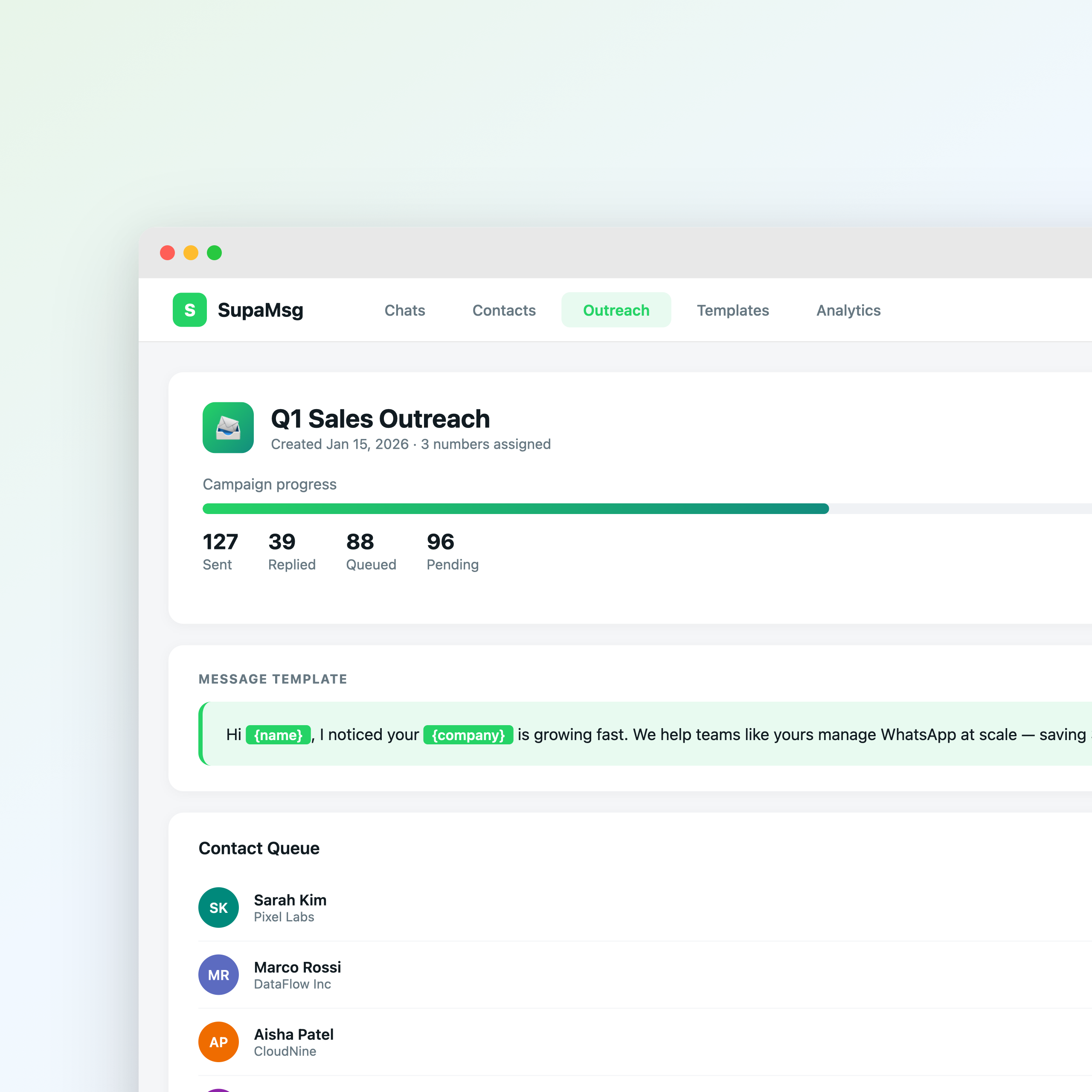
Outreach without the bans.

Send messages from multiple WhatsApp numbers with intelligent rotation. Adaptive delays, number health monitoring, warm-up mode, and auto-pause on risk signals. Never lose a number again.

Smart Outreach dashboard with number health scores and campaign progress
New
01 / Multi-Account

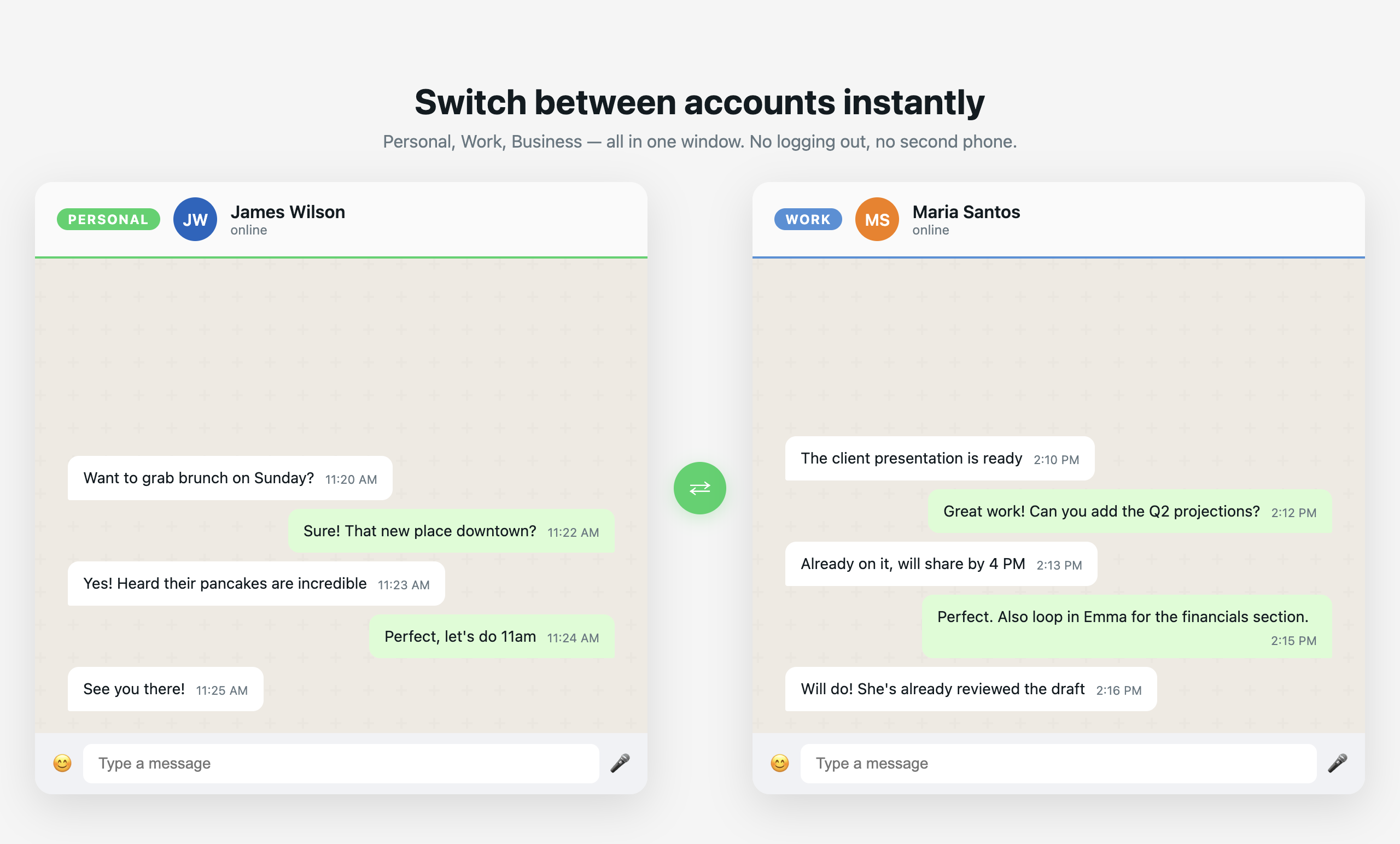
All accounts. One window.

Switch between personal, work, and client WhatsApp accounts in a single click. No more juggling phones or browser tabs.

SupaMsg showing multiple WhatsApp accounts side by side
02 / AI Features

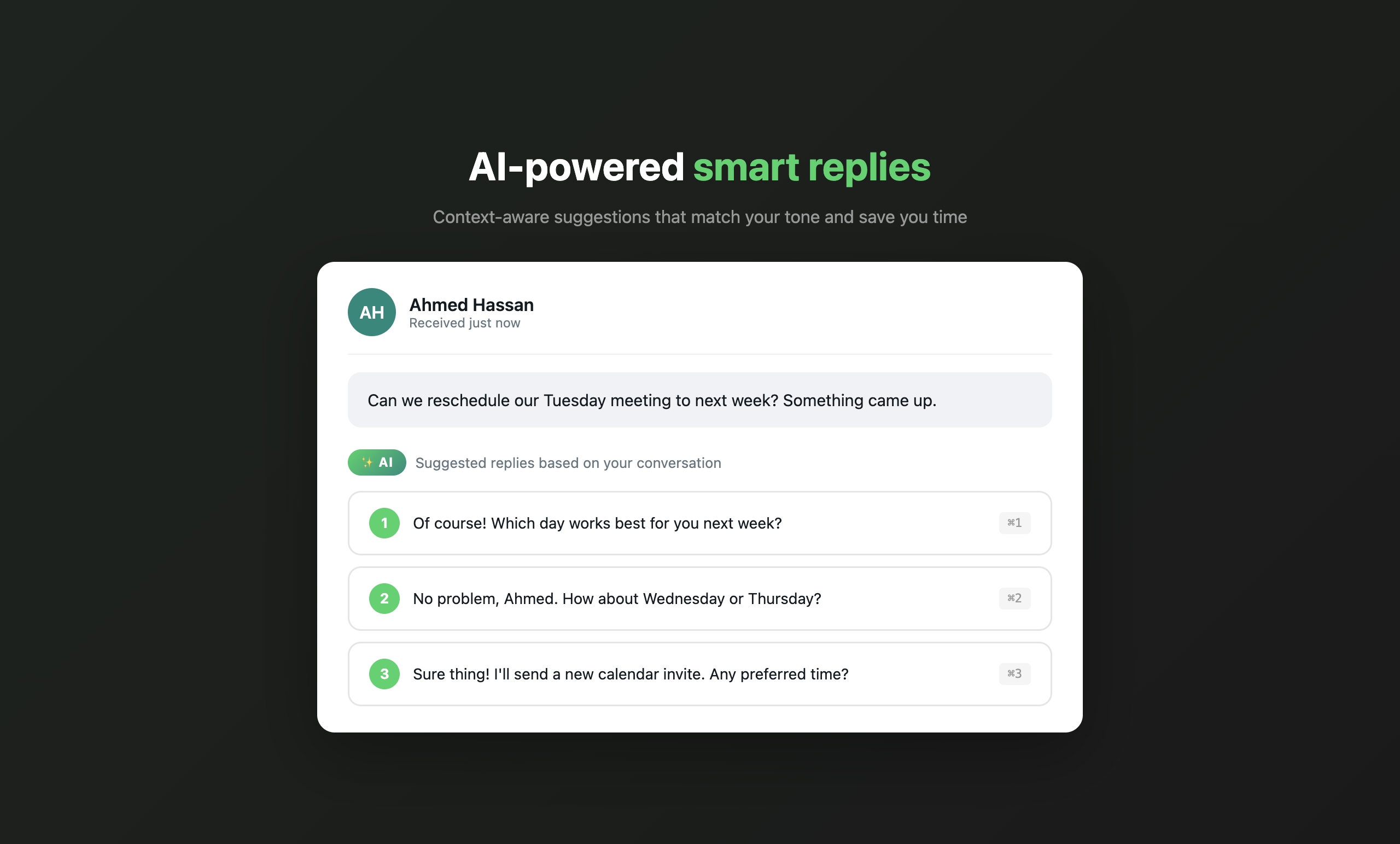
AI that actually helps.

Smart reply suggestions, message tone adjustment, auto-translation across 25 languages. Your AI assistant that never sleeps.

AI-powered smart reply suggestions in SupaMsg
03 / Scheduling

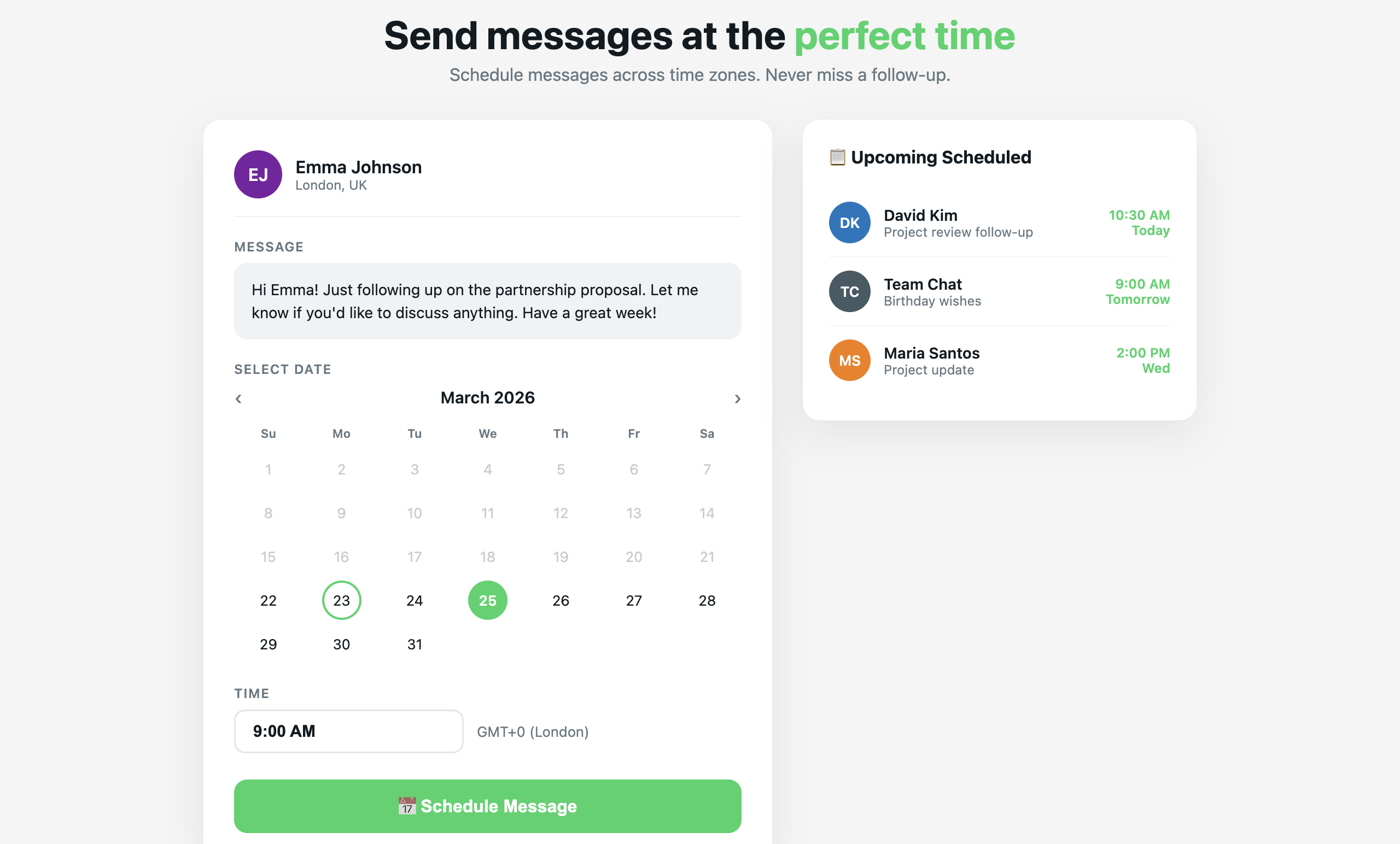
Send later. Stress never.

Schedule messages for the perfect time. Birthday wishes at midnight, follow-ups on Monday morning, reminders before meetings.

Schedule WhatsApp messages with date and time picker
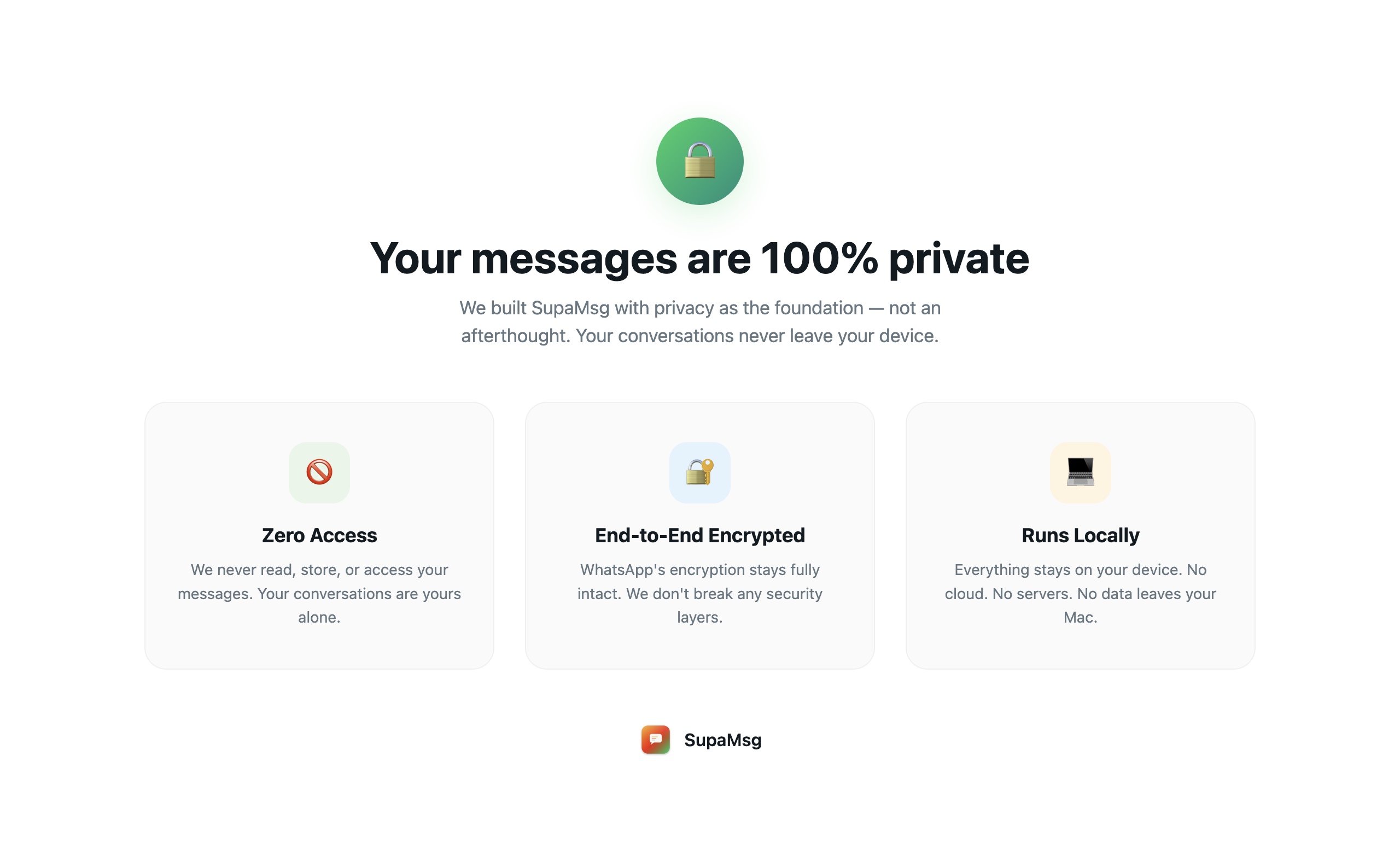
04 / Privacy

Your chats. Your rules.

App lock, hidden chats, incognito mode. Everything is end-to-end encrypted by WhatsApp. We never read or store your messages.

SupaMsg privacy dashboard showing zero-access encryption

Built for people
who mean business.

Freelancers
Business Owners
Real Estate
Sales Teams
Support
Agencies

Whether you're a freelancer juggling client accounts, a real estate agent managing buyer and seller lines, or an agency handling dozens of brand accounts — SupaMsg keeps everything organized, fast, and private. One app, zero headaches.

49 features and counting.

Manage All Accounts

  • Multi-account instant switching
  • Split screen (2 side by side)
  • Cross-account search
  • Unified notifications + badges
  • Keyboard shortcuts (Cmd+1/2/3)
  • Contact labels & tags

AI-Powered

  • Smart reply suggestions
  • Chat summarization
  • Real-time translation (25 languages)
  • Voice message transcription
  • Sentiment analysis
  • AI Agent mode (auto-replies)

Automate & Business

  • Scheduled messages (send later)
  • Auto-reply rules (when/then)
  • No-code chatbot builder
  • Broadcast campaigns (bulk)
  • CRM integration (HubSpot, Zoho)
  • Payment collection (UPI/Stripe)
  • Webhook API + Zapier
  • Stealth mode (hide read receipts)

Smart Outreach

  • Smart Outreach (multi-number rotation)
  • Number health monitoring
  • Adaptive delays & warm-up
  • Time-of-day optimization
  • Auto-pause on WhatsApp warnings
  • Response rate tracking

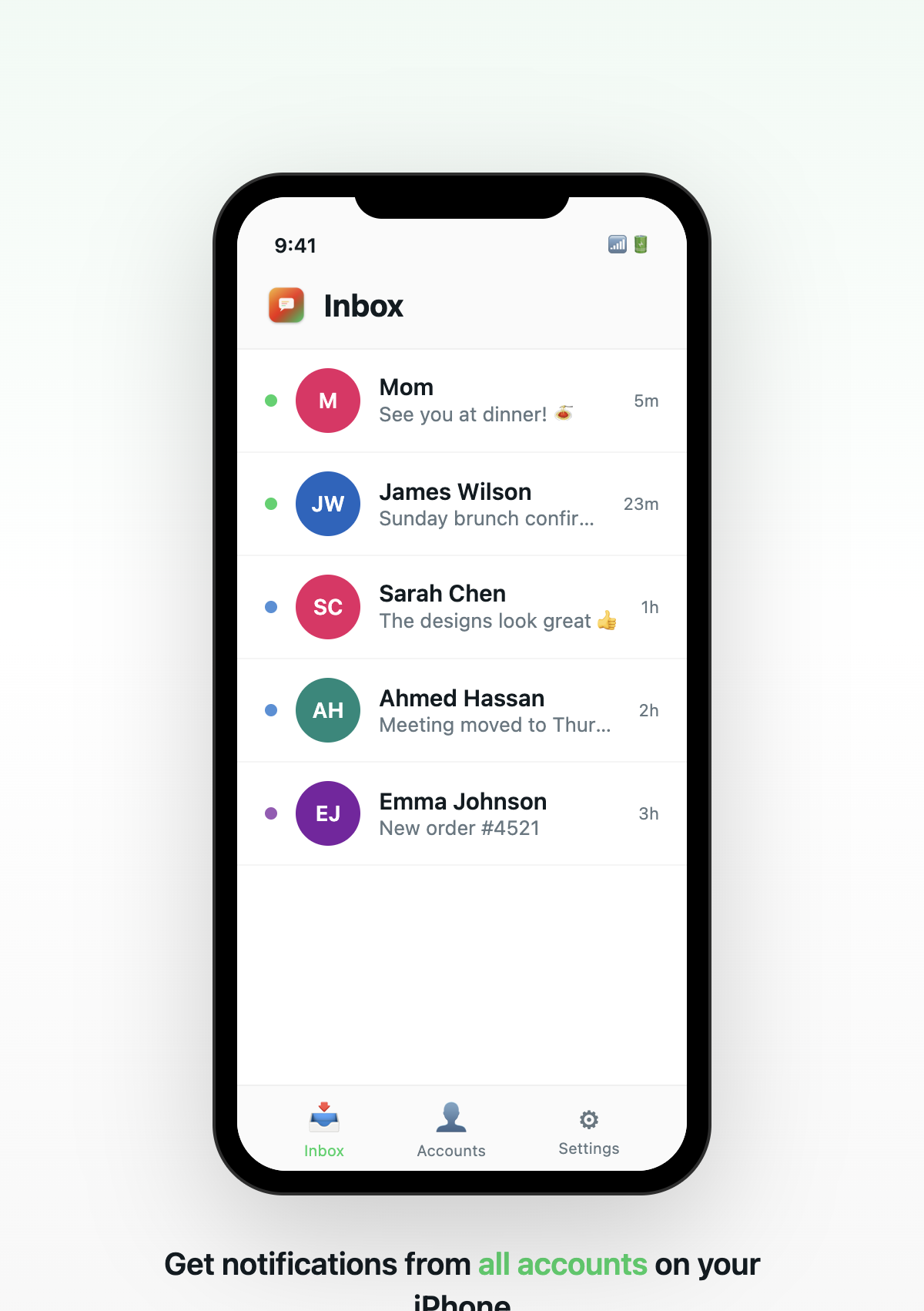
SupaMsg iOS companion app

iOS Companion App

Get notifications, quick replies, and account switching right from your iPhone. Seamlessly synced with the desktop app.

View messages, send voice notes, and manage all your accounts on the go. Designed to complement your desktop workflow perfectly.

iOS + macOS Synced

People are talking.

I used to carry two phones everywhere. Now I manage 4 WhatsApp accounts from my MacBook. SupaMsg literally simplified my entire workflow. The AI replies save me hours every week.

R
Rahul Mehta
Freelance Consultant, Mumbai

We handle 12 client accounts and SupaMsg is the only tool that lets us do it cleanly. The scheduling feature alone has saved our team 15 hours a week. Absolute game changer for agencies.

S
Sarah Kim
Agency Owner, Singapore

Real estate is all about speed. When a lead messages, I need to respond fast on the right account. SupaMsg makes that effortless. The privacy features give my clients total confidence.

C
Carlos Vega
Real Estate Agent, Miami

Simple pricing.
No surprises.

Monthly Annual Save up to 37%
Free
$0
Free forever
 
USD

  • 3 WhatsApp accounts
  • Unified notifications
  • 5 message templates
  • 3 labels per account
Get Started Free
Starter
$3
per month
Save $7/yr (37%)
USD

  • Unlimited accounts
  • AI smart replies (10/day)
  • 10 scheduled messages/day
  • Split screen & stealth mode
  • Basic templates
Start Starter
Business
$12
per month
Save $48/yr (33%)
USD

  • Everything in Pro, plus:
  • Smart Outreach (anti-ban)
  • Unlimited AI (no daily limit)
  • Automations & chatbot builder
  • Broadcast campaigns
  • CRM (HubSpot + Zoho)
  • Webhook API + Zapier
  • White-label branding
Start Business

Got questions?

Yes! The free plan includes 3 WhatsApp accounts with unified notifications, templates, and basic features. No credit card required. Upgrade anytime for AI, automations, and more.
Absolutely. SupaMsg runs entirely on your device. Your messages stay encrypted by WhatsApp's end-to-end encryption. We never read, store, or transmit your chat data to any server.
Free plan supports 3 accounts, Pro and Business offer unlimited accounts. Each account works independently with its own isolated session and notifications.
Yes! SupaMsg works with both regular WhatsApp and WhatsApp Business accounts. You can mix and match within the same app.
SupaMsg is currently available for macOS (Apple Silicon and Intel). Windows and Linux versions are in development. An iOS companion app is coming soon.
This is normal for apps downloaded outside the Mac App Store. Simply right-click (or Control+click) the app in your Applications folder and select "Open". macOS will ask for confirmation — click "Open" and you're in. You only need to do this once. This is the same process for apps like VS Code, Discord, and Obsidian.
Yes, you can cancel anytime with no questions asked. If you're on an annual plan, you'll retain access until the end of your billing period. We offer a 30-day money-back guarantee on all paid plans.
*
~

Download now.

Join thousands of professionals who ditched the extra phones. It's free.

Download for macOS